Free
$0Always a place to start.
A thoughtful home for your first folder.
- One folder, including all its subfolders
- One album and one saved view
- Ratings, tags, favorites and photo browsing
- Built-in demo collection to explore
 FolderPhotosMADE FOR MAC
YOUR COLLECTION. YOUR OWN LITTLE WORLD.
A beautiful photo organizer for the folders you already use.
No importing. No duplicating. Just a clearer view.
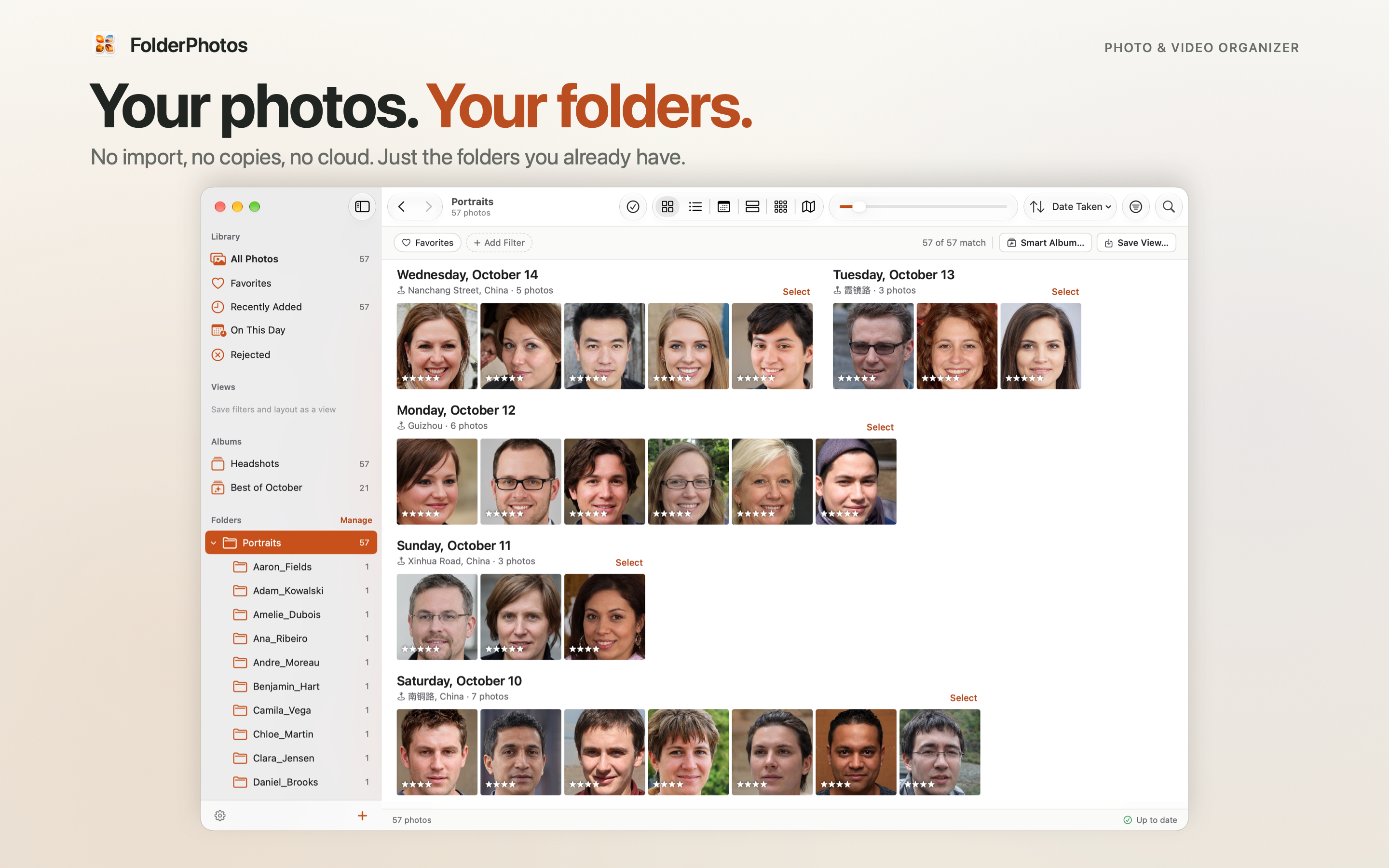
Already at home.Your folders stay exactly where they are.
Personal stays personal.A local catalog. No cloud account needed.
Yours to keep.Free to start. One-time PRO. No subscription.
Thoughtful tools for a collection that is entirely your own.
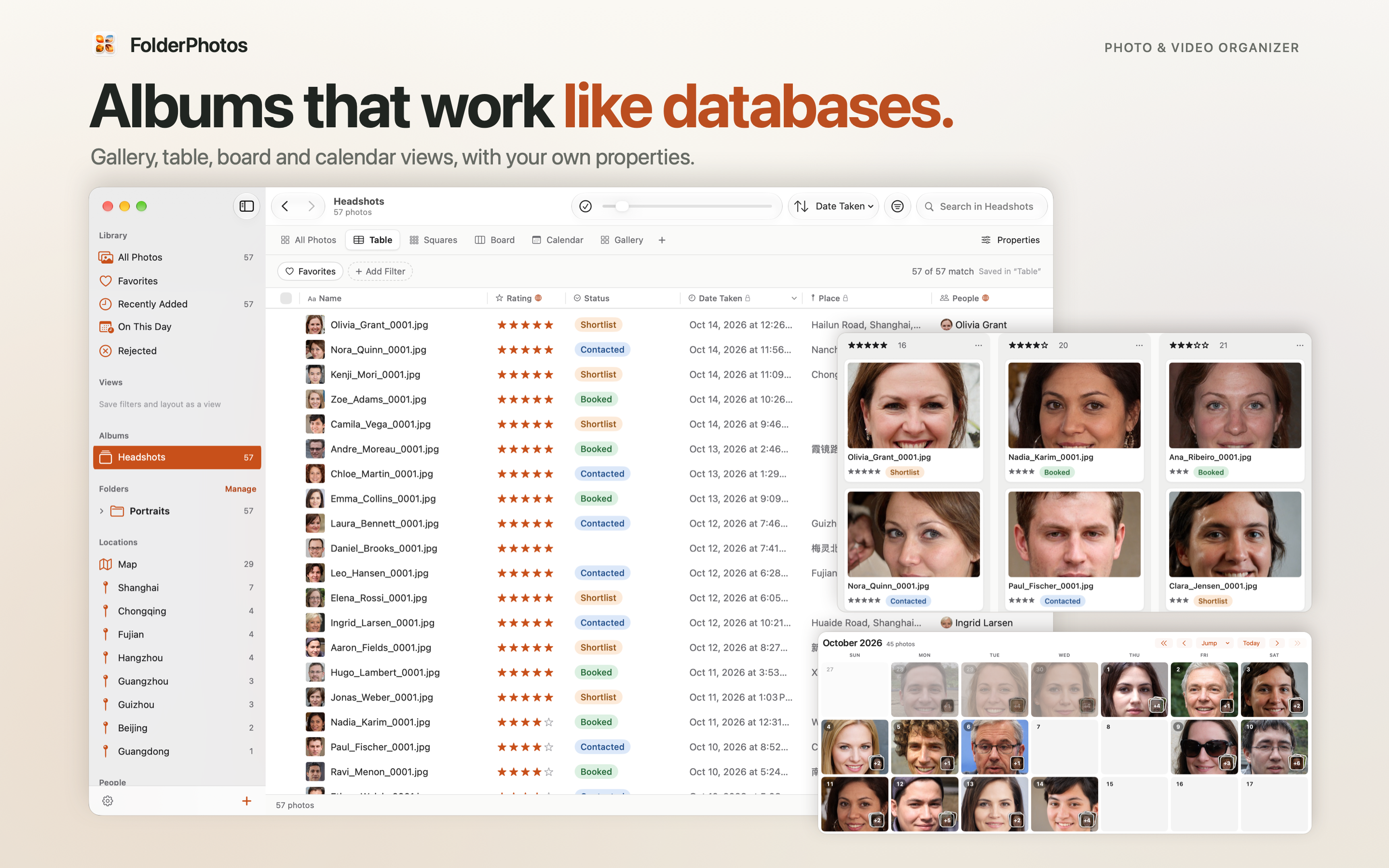
Gallery, table, board and calendar views, with properties of your own.
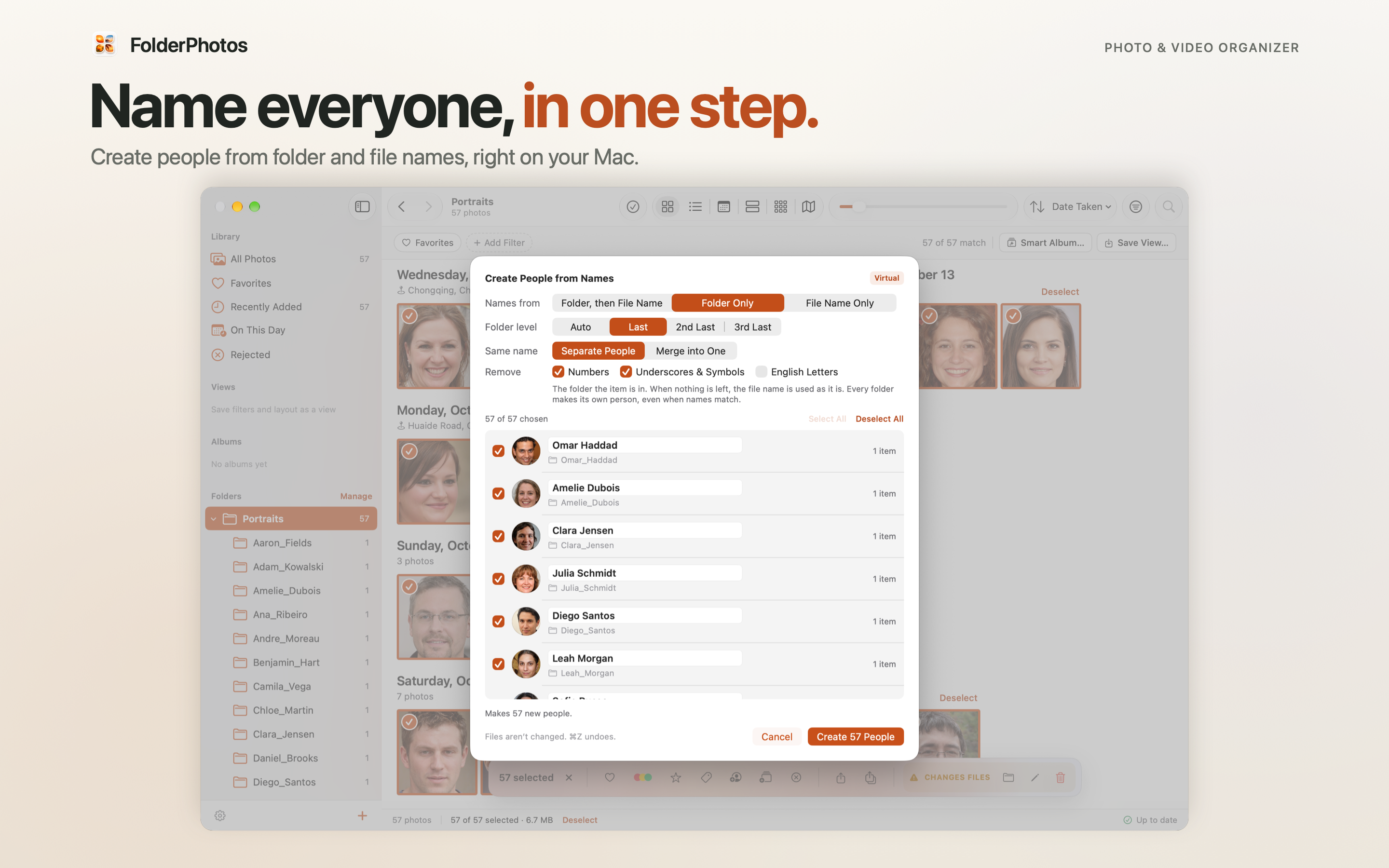
Create people from names. Explore optional face recognition, entirely on your Mac.
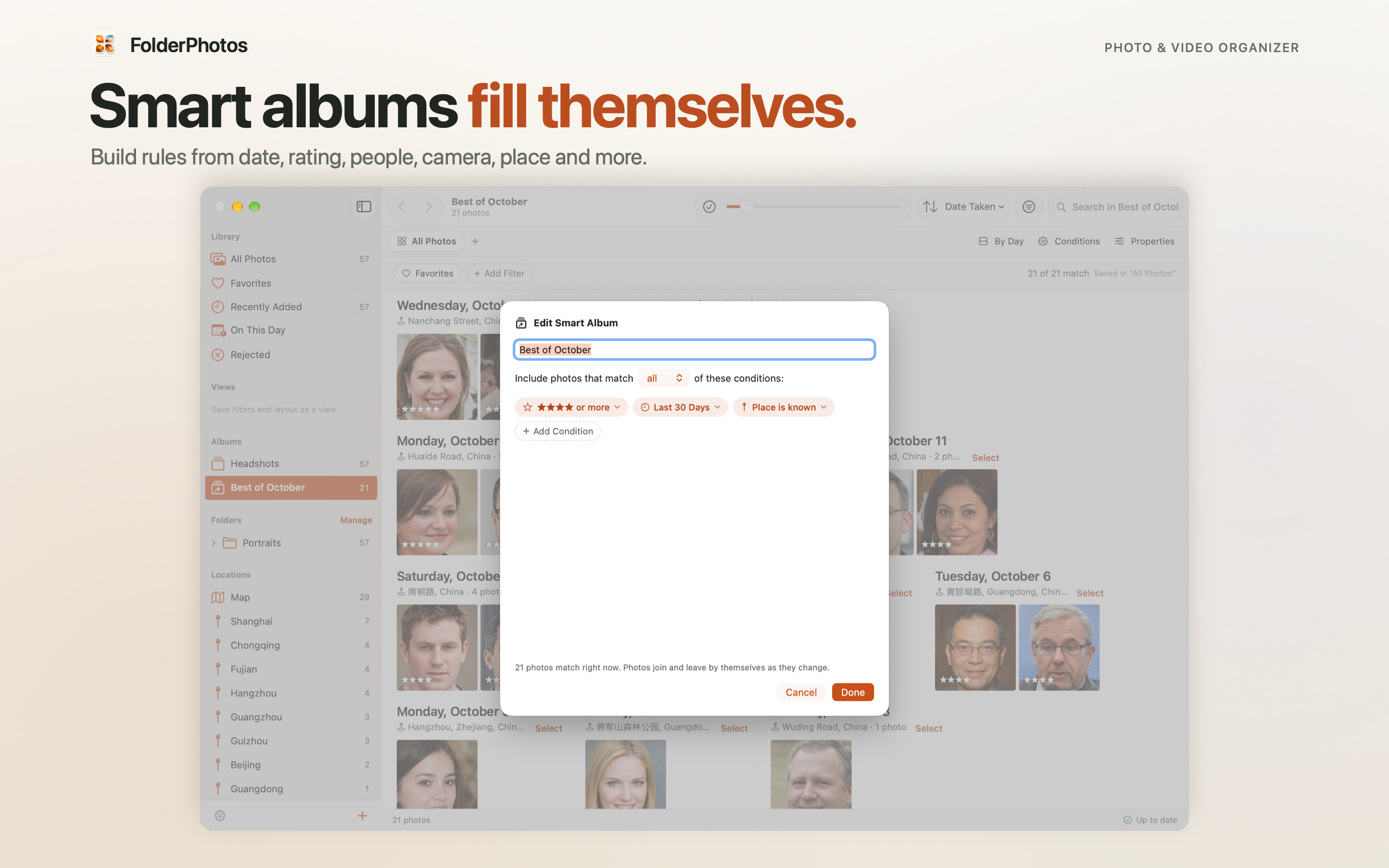
Smart albums bring your collection together with the rules you choose.
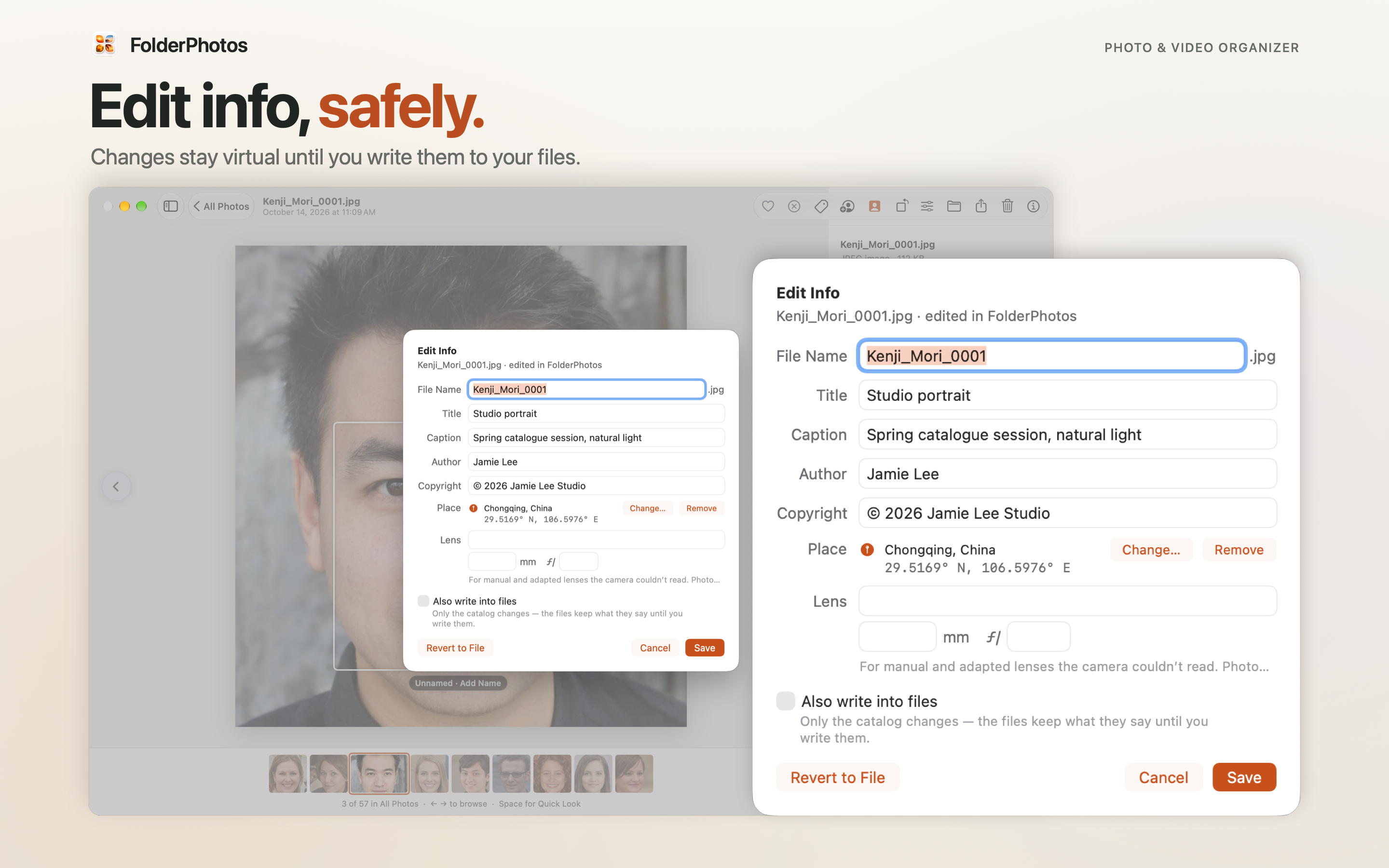
Edit information in your catalog. Write to files only when you choose.
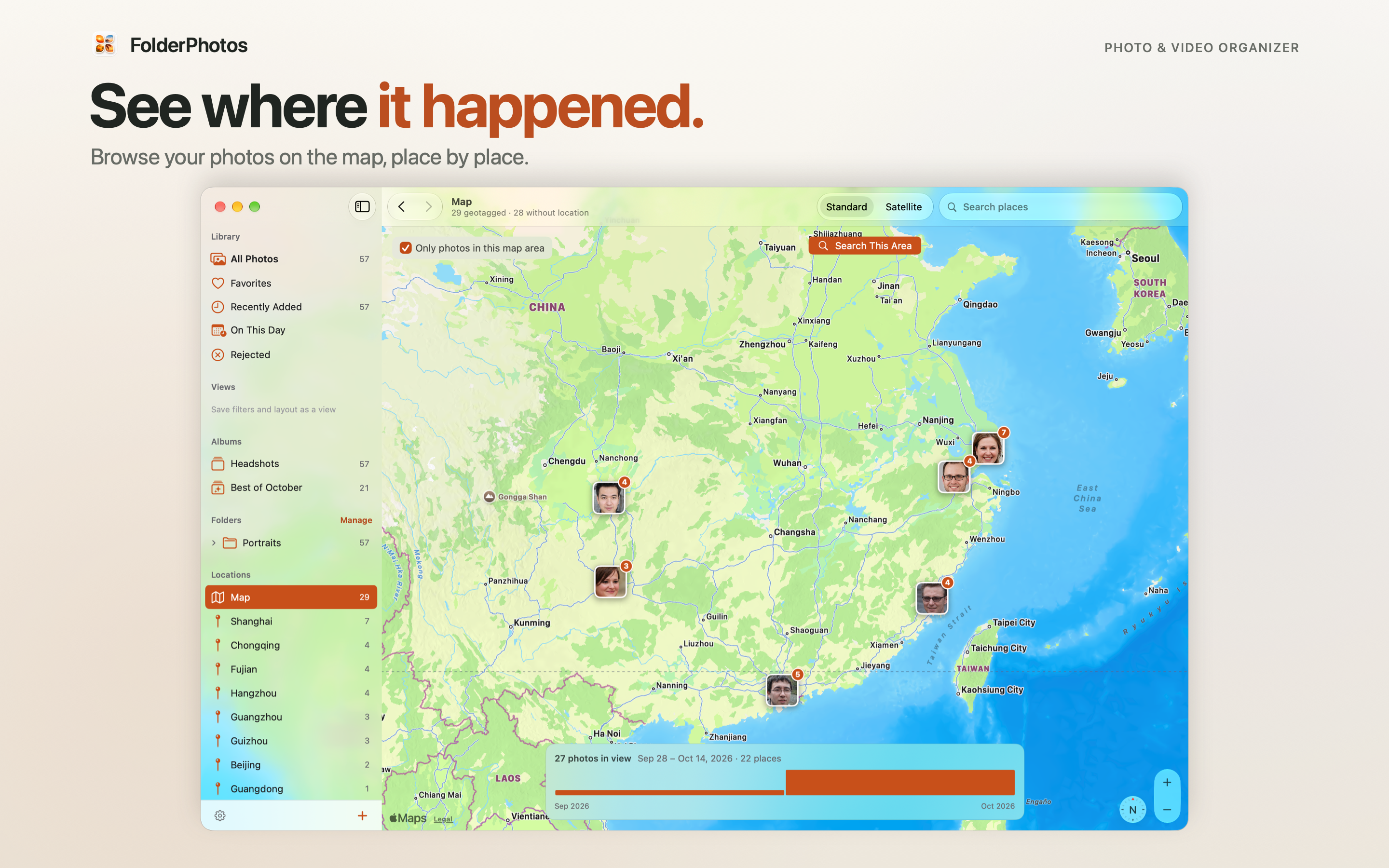
See your photos on a map and rediscover the places behind the moments.
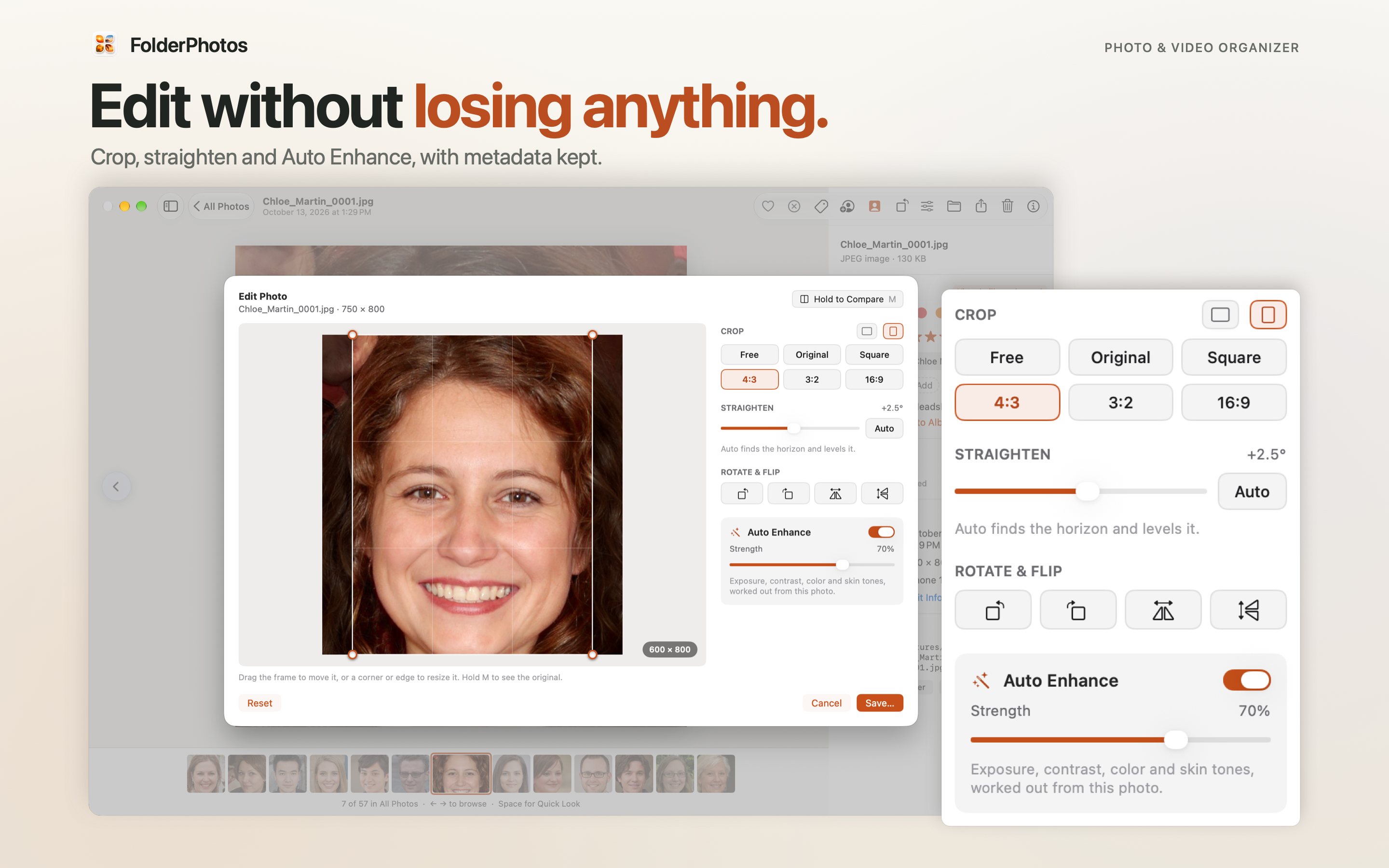
Crop, straighten and enhance. You choose how to save each edit.
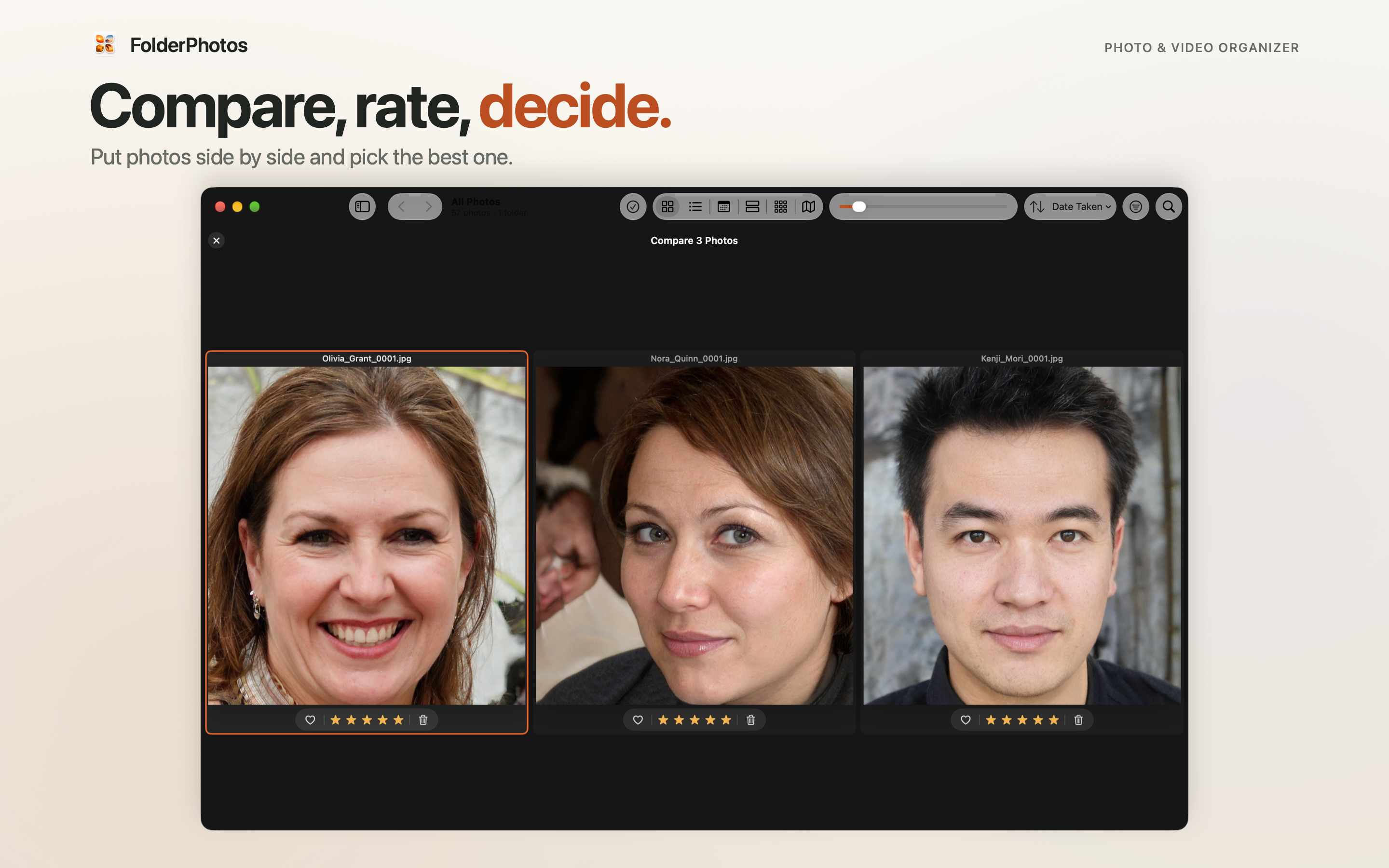
Compare photos side by side and find the ones worth keeping.
All eight product images are the screenshots uploaded to App Store Connect. Image source details
Rate the keepers. Tag the details. Save an album that makes sense to you.
Your originals remain in your folders, and the organizing happens in a local catalog.
One purchase when you need more room. No subscription.
A thoughtful home for your first folder.
All your folders. A little more possibility.
USD base prices. Applicable taxes and local currency totals are shown at checkout. App Store and direct editions use separate purchase systems. Refund policy · Purchase terms
No. FolderPhotos indexes photos and videos in the folders you already use: on your Mac, an external drive or a mounted network volume. Organization lives in a local catalog. File changes happen only through actions you choose.
One personal folder with its subfolders, one album and one saved view. The bundled demo collection does not use your folder allowance. A one-time PRO purchase removes these limits.
No. PRO is a one-time purchase of $14.99 USD. There is no recurring subscription. You can keep using the purchased major version. Future paid major upgrades, if offered, are separate.
No FolderPhotos account is required. Optional face recognition runs on your Mac and is off by default. The app has no ads or third-party analytics SDKs. Apple services provide maps and place names.
macOS 15 or later. The app currently has an English interface. Cached previews remain browsable when a drive is disconnected; originals must be connected for full-size viewing and video playback.
Yes. The website edition needs internet access for first activation, then supports offline use of the purchased major version. A license supports two activated Macs. You can manage devices through your billing account; refunds and deactivation take effect on a Mac when it next checks online.
App Store PRO is purchased and restored in the App Store edition. Direct website checkout uses Paddle and requires a compatible direct edition. The two purchase systems are separate. After payment verification, your activation code is emailed to you. Enter it in Settings → PRO → Activate License in the website edition.
FolderPhotos for Mac · Free to start.